

Description
Download OS14 Launcher App Lib i OS14 – iOS 14 Launcher, App Lib, i OS14
Overview
The OS14 Launcher App Lib i OS14 is a free personalization application designed to replicate the iOS 14 user interface on Android devices. It aims to deliver an elegant, modern aesthetic inspired by Apple's operating system, focusing on visual consistency, smooth animations, and intuitive layout design. The app is intended for users seeking to enhance their device’s look and feel without altering core functionality. It is particularly suited for individuals who appreciate minimalist design, clean iconography, and the structured organization of the iOS 14 interface.
Real-world usage scenarios include users who want to personalize their Android smartphones or tablets with a familiar Apple-like experience. The app supports a range of customization options, such as icon shape, layout, and animations, aligning with the iOS 14 design language. While it is not an official product from Apple, it serves as a third-party tool to emulate key visual and interaction elements of the iOS ecosystem. The developer did not provide additional details about their background or development history. The application is positioned as a desktop utility for mobile personalization, with no indication of enterprise or professional use cases.
Key Features & Capabilities
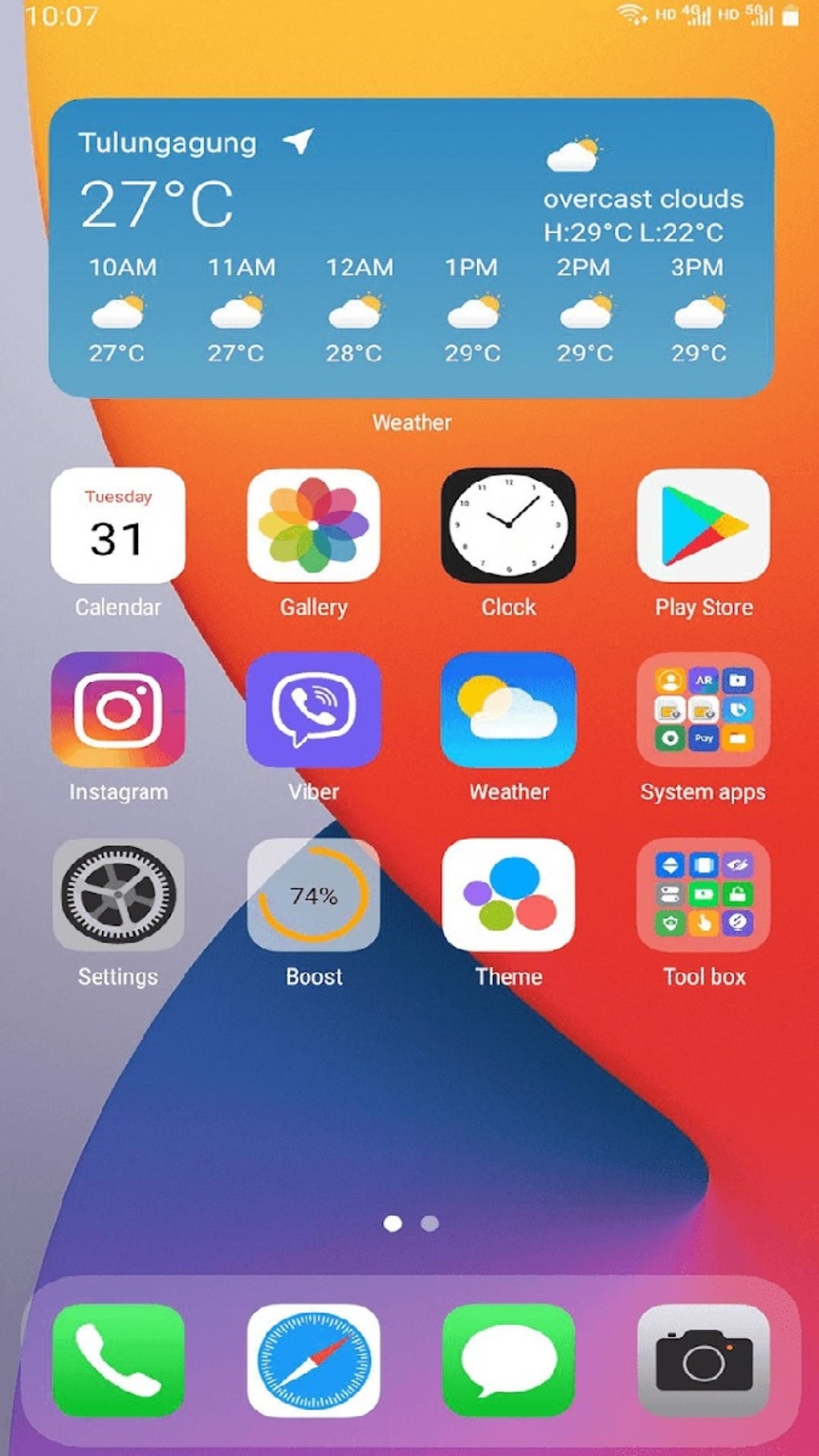
- iOS 14 Aesthetic Replication – The launcher applies a unified design language including rounded icons, consistent spacing, and smooth transitions to mimic the look and feel of iOS 14.
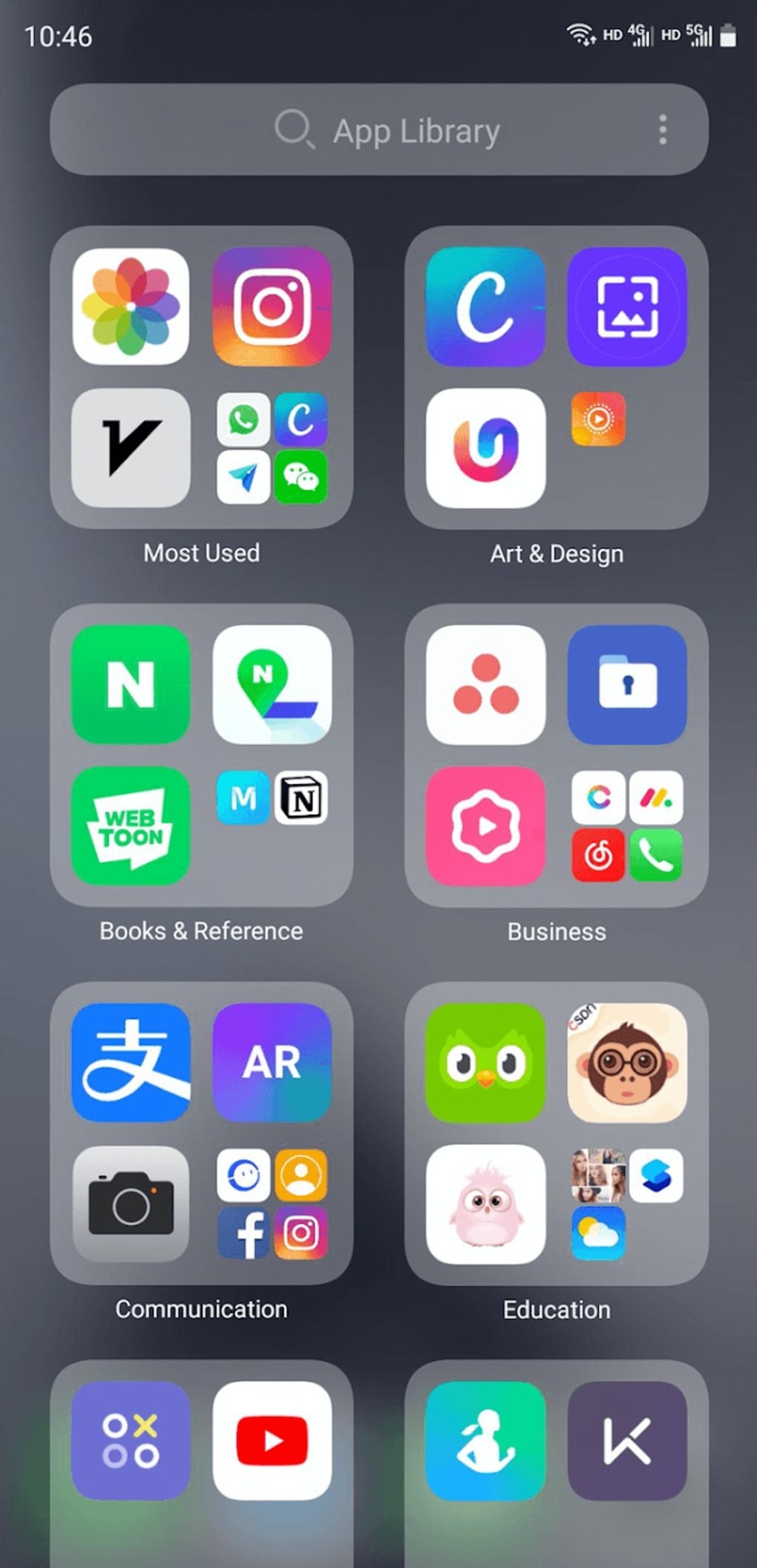
- App Library Integration – Inspired by iOS 14, this feature organizes apps into a centralized, searchable library, improving app discoverability and reducing home screen clutter.
- Customizable Home Screen – Users can choose to display only frequently used apps, enabling a streamlined interface tailored to individual habits.
- iOS-Style Widgets – Supports widget design elements consistent with iOS 14, allowing for enhanced functionality and visual harmony on the home screen.
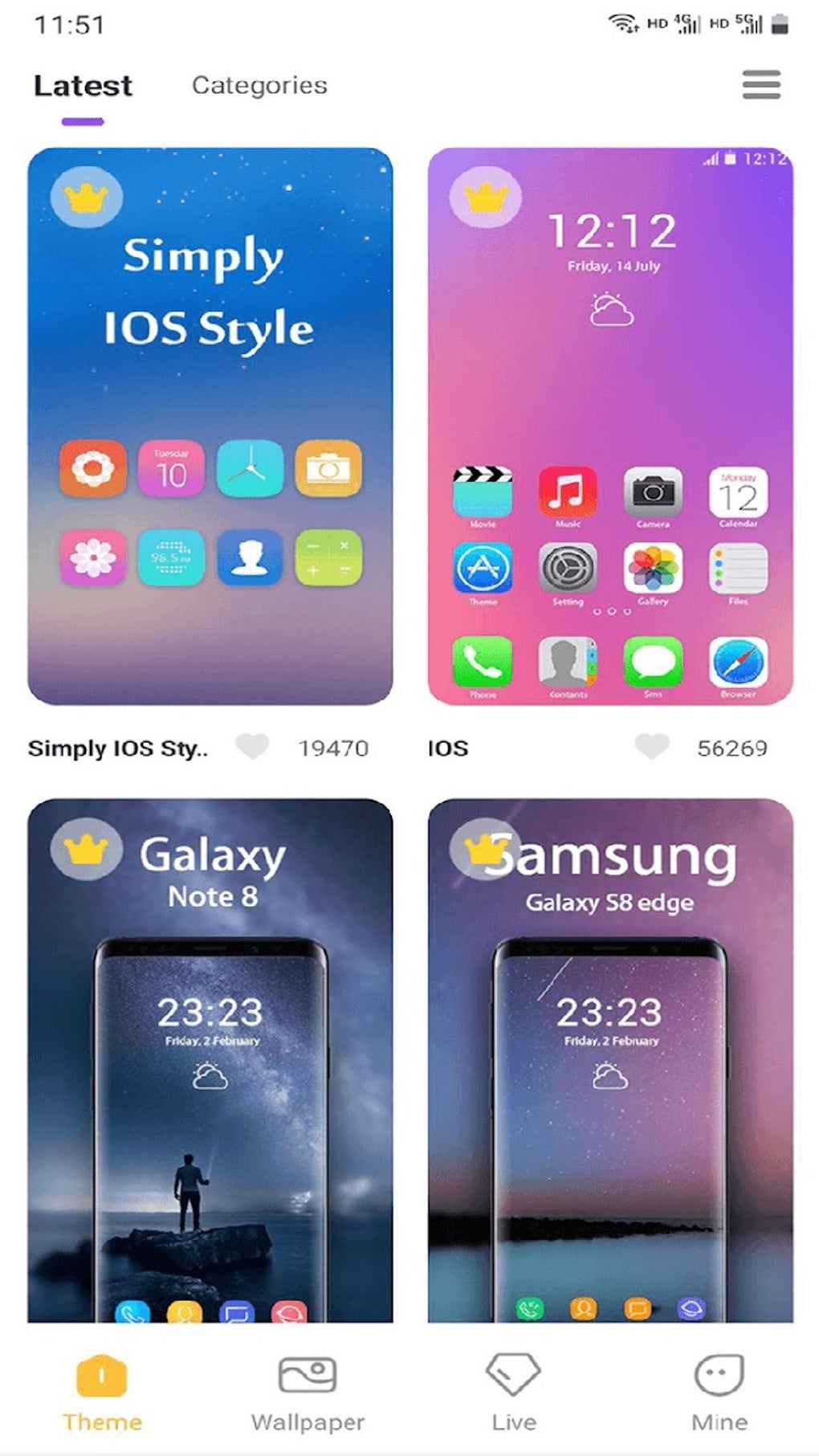
- Theme and Icon Pack Support – Offers compatibility with over 500 themes and most icon packs available on the Google Play Store, enabling deep personalization.
- Control Center & Notification Center – Implements iOS-style panels for quick access to device settings and notifications.
- Gestures and Dual App Support – Includes customizable gestures and the ability to run two instances of supported apps simultaneously.
- System Monitoring Tools – Provides access to storage management, battery status, and memory usage indicators directly from the interface.
These features collectively support users in creating a more cohesive and visually appealing device experience. The App Library helps users manage their applications efficiently, while the customizable interface allows for both simplicity and personal expression. The inclusion of system monitoring tools adds practical utility beyond aesthetics.
User Interface, Workflow & Performance
The user interface of OS14 Launcher App Lib i OS14 is structured around a clean, grid-based layout with consistent spacing and rounded elements. Navigation is intuitive, relying on familiar gestures such as swiping and tapping. The app’s workflow emphasizes ease of access, allowing users to quickly customize their home screen, manage apps, and adjust settings.
Performance observations are based on general software behavior patterns. The developer did not specify resource usage details, including CPU or RAM consumption. Stability may vary depending on device hardware and background processes. Some users have reported occasional app icon overlap or disappearance in the dock, which may require a device reset to resolve. These issues do not appear to affect core functionality but may impact user experience in certain scenarios. The app appears to maintain responsiveness during routine operations, though exact performance benchmarks were not provided.
Compatibility & System Requirements
OS14 Launcher App Lib i OS14 is designed for Android devices. The application supports a wide range of Android versions, though specific compatibility details were not listed. Installation size is not specified in the provided information. The developer did not provide exact system requirements, including minimum RAM, storage, or processor specifications.
Compatibility information is limited. Users are advised to ensure their device meets general Android software requirements. The app is distributed as a downloadable utility for mobile personalization. No official support for desktop operating systems was mentioned. Platform compatibility is assumed to be limited to Android-based smartphones and tablets.
Pros and Cons
Pros
- Free to download and use
- Strong visual fidelity to iOS 14 design language
- App Library feature enhances app organization
- Extensive theme and icon pack compatibility
- Includes iOS-style widgets, control center, and notification center
- Offers dual app support and customizable gestures
- Provides system monitoring tools
Cons
- Occasional app icon overlap or disappearance in the dock
- Limited system requirements and performance data
- Not an official Apple product; may not reflect full iOS functionality
- Some features may not work consistently across all devices
- Requires device reset to resolve certain UI glitches
FAQ Section
Is OS14 Launcher App Lib i OS14 compatible with my Android device?
Compatibility is not explicitly defined in the provided information. The app is intended for Android devices, but exact version support was not specified. Users should ensure their device meets general Android software requirements.
Is the app safe to download and use?
The app is described as a personalization tool available through third-party sources. While no security risks were mentioned, users should download from trusted platforms to minimize exposure to unauthorized modifications.
Does the app require an internet connection?
Basic functionality can operate offline. However, access to themes, icon packs, and updates may require an internet connection.
How often are updates released?
Update frequency was not specified. Users are encouraged to check for updates through the distribution platform.
Can I use this launcher on my tablet?
The app is designed for Android smartphones and tablets. No specific restrictions were mentioned, but performance may vary based on device size and hardware.
Final Thoughts + CTA
OS14 Launcher App Lib i OS14 delivers a compelling visual transformation for Android devices, successfully emulating the iOS 14 aesthetic with attention to detail. Its App Library integration, extensive customization options, and functional tools make it a strong choice for users who value both form and function. While minor UI inconsistencies, such as icon overlap, may occur, they do not significantly hinder usability. The app is ideal for individuals seeking a fresh, modern interface without the need for a new device. For those looking to elevate their device’s look and feel with minimal effort, this launcher offers a feature-rich, free solution.
Download OS14 Launcher App Lib i OS14 now
Guides & Tutorials for OS14 Launcher App Lib i OS14 APK
How to install OS14 Launcher App Lib i OS14 APK
- Click the Preview / Download button above.
- Once redirected, accept the terms and click Install.
- Wait for the OS14 Launcher App Lib i OS14 APK download to finish on your device.
How to use OS14 Launcher App Lib i OS14 APK
This software is primarily used for its core features described above. Open the app after installation to explore its capabilities.
User Reviews for OS14 Launcher App Lib i OS14 APK 0
No reviews found





